To make a Google review QR code, copy your review link from your Google Business Profile ("Ask for reviews" or "Share review form") and paste it here, then download the code. Customers who scan it go straight to the star rating form, which removes the steps that stop most people from leaving a review.
How to use it
- Open your Google Business Profile and click "Ask for reviews" to copy your review link.
- Paste the link here and add your logo.
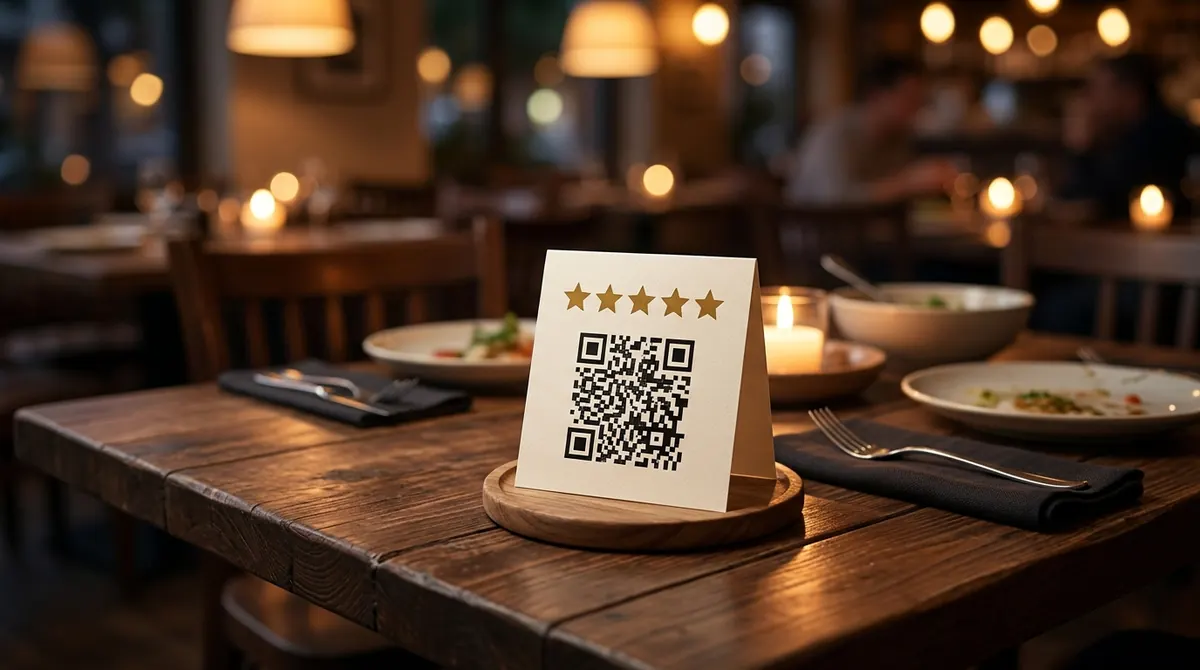
- Print it on table cards, receipts, packaging or your counter.
Key facts
| Opens | Your Google review form |
|---|---|
| Where to get the link | Google Business Profile → Ask for reviews |
| Expiry | Never |
Questions
Can I offer a discount for reviews?
Google’s policy does not allow incentives for reviews. Just ask happy customers and make it easy with the QR code.
Will my review QR code expire?
Never. These are static QR codes: the data is written inside the code itself and does not go through any server, so they work forever and cannot be switched off by BarcodePal or anyone else.
Guides
Other QR code generators
- Free QR Code Generator
- WiFi QR Code Generator
- vCard QR Code Generator
- WhatsApp QR Code Generator
- Email QR Code Generator
- SMS QR Code Generator
- Phone Number QR Code Generator
- Location QR Code Generator
- Text QR Code Generator
- Instagram QR Code Generator
- YouTube QR Code Generator
Updated: