Barcode Size Guide for Printing
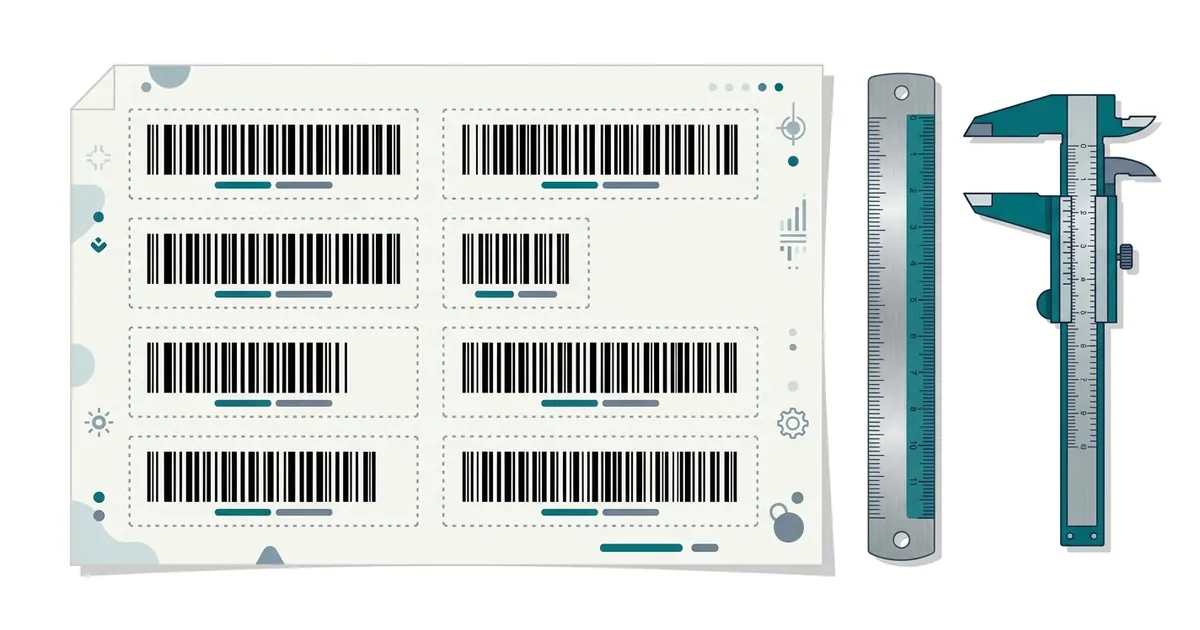
Print EAN-13 and UPC-A barcodes between 80% and 200% of their nominal size of about 37.3 × 25.9 mm, keep the white quiet zones on both sides, and use dark bars on a light background. Use SVG or PDF files so the bars stay sharp, and test-scan a printed proof before a big print run.
Recommended sizes
| Type | Nominal (100%) | Allowed range |
|---|---|---|
| EAN-13 | 37.29 × 25.93 mm | 80%–200% |
| UPC-A | 37.29 × 25.91 mm | 80%–200% |
| EAN-8 | 26.73 × 21.64 mm | 80%–200% |
| QR code (print) | — | At least 2 × 2 cm, bigger for long distances |
Rules that make barcodes scan
- Do not cut the bar height to make it fit: reduce the whole barcode instead.
- Quiet zones: keep blank space left and right (about 11 bars wide for EAN-13).
- Colours: black, dark blue, dark green or dark brown bars on white or yellow. Red bars do not scan.
- PNG: use a high scale (300 dpi or more for print). SVG/PDF: always sharp.
- QR codes: about 1 cm of code for every 10 cm of scanning distance.
Questions
What DPI do I need for a barcode?
For print, 300 dpi or more if you use a PNG. Better: use SVG or PDF, which have no fixed resolution.
More guides
- How to Get a Barcode for Your Product
- EAN vs UPC: What Is the Difference?
- Amazon Barcodes: FNSKU vs UPC
- Static vs Dynamic QR Codes
Updated: