Amazon Barcodes: FNSKU vs UPC
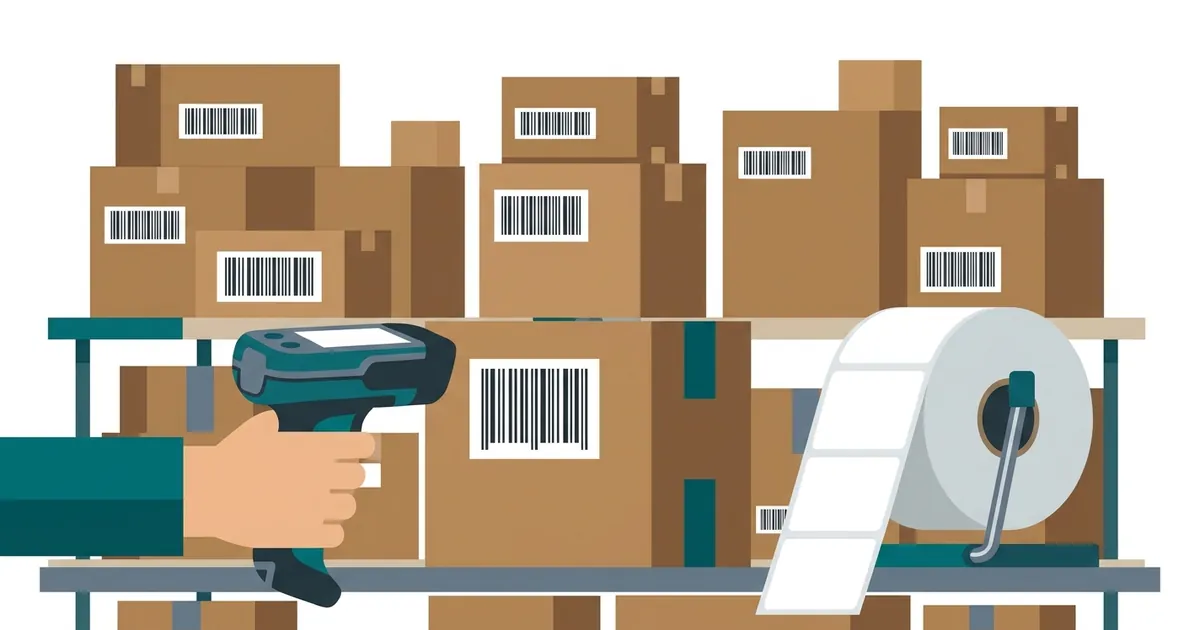
Amazon uses two different barcodes. To create a listing you need a GTIN, usually a UPC or EAN licensed by GS1, unless you get a GTIN exemption. To send stock to Amazon FBA you also label each unit with an FNSKU, an Amazon code that starts with X0, which you download from Seller Central. They do different jobs, and many sellers need both.
The two codes
| UPC / EAN (GTIN) | FNSKU | |
|---|---|---|
| Who issues it | GS1 | Amazon (Seller Central) |
| Looks like | 12 or 13 digits | 10 characters, usually starting with X0 |
| Used for | Creating the product listing | Tracking your units in Amazon warehouses |
| Barcode type | UPC-A / EAN-13 | Code 128 |
Printing FNSKU labels
Seller Central lets you download FNSKU labels as a PDF. If you print your own, the FNSKU is encoded as Code 128 and Amazon also asks for the product name and condition on the label.
Print at 100% scale on matte labels and test-scan one before labelling a full shipment.
Follow Amazon’s current labelling rules in Seller Central: requirements change and are checked at warehouse check-in.
Questions
Can I list on Amazon without a UPC?
Sometimes. Brands registered in Amazon Brand Registry, and some categories, can apply for a GTIN exemption. Check Seller Central for your category.
Can I make an FNSKU barcode here?
Yes: use the Code 128 generator with your FNSKU (X0…), or the bulk generator to print a label sheet. Add the product name and condition as Amazon requires.
More guides
- How to Get a Barcode for Your Product
- EAN vs UPC: What Is the Difference?
- Barcode Size Guide for Printing
- Static vs Dynamic QR Codes
Updated: