To make a WhatsApp QR code, type your WhatsApp number with the country code and an optional message, then download the code. When scanned, it opens WhatsApp with a chat to your number and the message ready to send. It uses the official wa.me link format, so it works on iPhone and Android.
How to use it
- Type your number with the country code (for Morocco +212, for the US +1).
- Add a message customers will send you, like "I want to book a table".
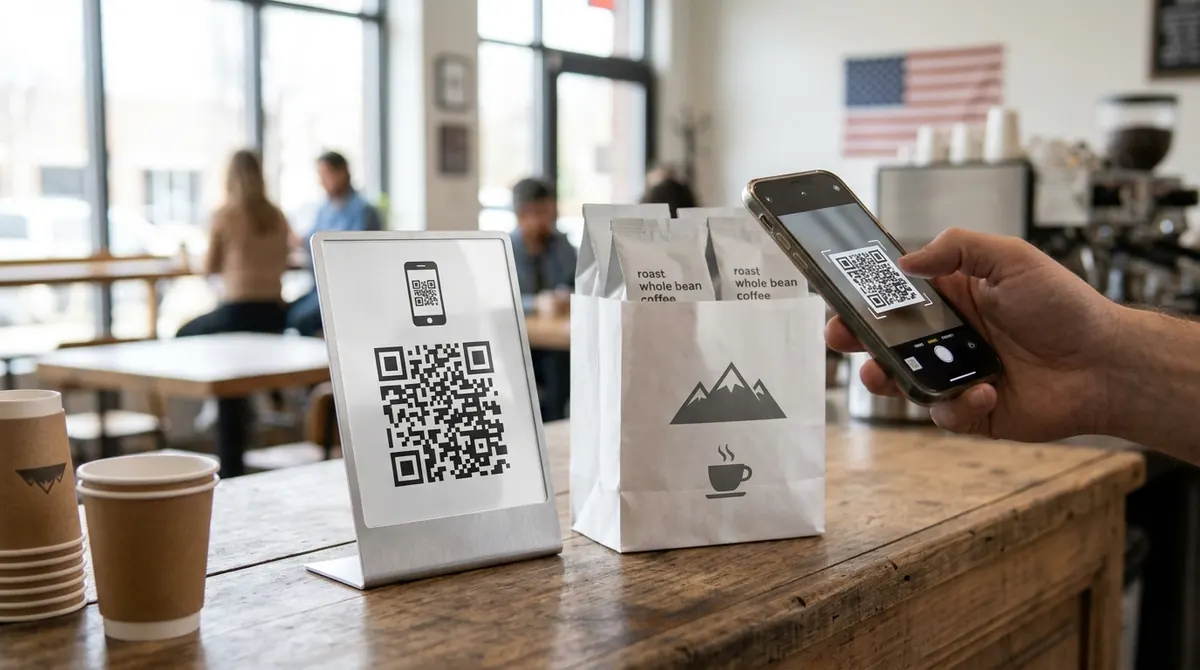
- Download and print it on your menu, shop window, flyer or packaging.
Key facts
| Link format | https://wa.me/<number>?text=<message> |
|---|---|
| Works with | WhatsApp and WhatsApp Business |
| Expiry | Never |
| Used for | Shops, restaurants, delivery, services, customer support |
Questions
Do I write the + or the 00 before my number?
Either way: BarcodePal keeps only the digits. Just make sure the country code is included and remove the leading 0 of the local number.
Does it work with WhatsApp Business?
Yes. The wa.me link opens a chat with any WhatsApp or WhatsApp Business number.
Will my WhatsApp QR code expire?
Never. These are static QR codes: the data is written inside the code itself and does not go through any server, so they work forever and cannot be switched off by BarcodePal or anyone else.
Guides
Other QR code generators
- Free QR Code Generator
- WiFi QR Code Generator
- vCard QR Code Generator
- Email QR Code Generator
- SMS QR Code Generator
- Phone Number QR Code Generator
- Location QR Code Generator
- Text QR Code Generator
- Instagram QR Code Generator
- YouTube QR Code Generator
- Google Review QR Code Generator
Updated: