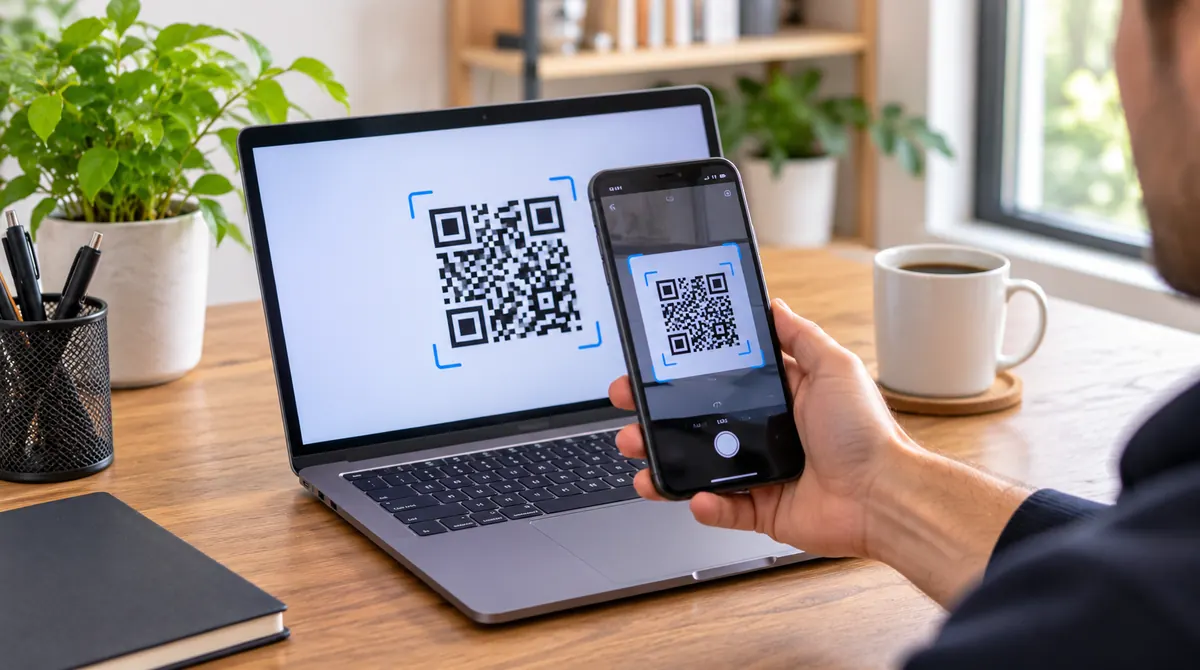
To scan a barcode online, click "Start camera" and hold the barcode in front of your webcam or phone camera, or upload or paste a photo of it. BarcodePal decodes it in your browser and shows the number and the barcode type, so you can check a label before printing, copy the number, or turn it into a new barcode.
How to use it
- Click "Start camera", or choose, drop or paste (Ctrl+V) a photo of the barcode.
- Hold the barcode horizontally, fill most of the frame, avoid glare.
- Copy the number, check its check digit, or make a new barcode from it.
Key facts
| Reads | EAN-13, EAN-8, UPC-A, UPC-E, Code 128, Code 39, Code 93, ITF, Codabar, GS1 DataBar, Data Matrix, QR, PDF417 |
|---|---|
| Input | Webcam, phone camera, image file, screenshot |
| Privacy | Decoded in your browser, nothing uploaded |
| Good for | Checking printed labels, reading numbers off packaging, testing your barcodes |
Questions
Can I scan a barcode from a photo?
Yes. Choose the image, drop it on the box or paste it. A sharp, straight photo where the barcode is large works best.
Does it show the product name or price?
No. A barcode only contains a number. To find the product, search the number on the web or in a product database.
Are my photos uploaded?
No. Camera frames and images are decoded by your own browser with an open-source decoder. Nothing is uploaded to our servers.
Why is my barcode not detected?
Barcodes need sharp lines: move the camera back a little to focus, add light, hold it straight and avoid reflections. Very small or damaged barcodes may not be readable.
Guides
Related tools
- QR Code Scanner Online
- Check Digit Calculator
- EAN-13 Barcode Generator
- UPC Barcode Generator (UPC-A)
- Code 128 Barcode Generator
- EAN-8 Barcode Generator
- UPC-E Barcode Generator
- Code 39 Barcode Generator
Updated: