To scan a QR code online, click "Start camera" and point your webcam or phone at the code, or upload, drop or paste an image or screenshot that contains it. BarcodePal reads it in your browser and shows the link or text, with buttons to copy it or open it. It also reads Data Matrix, Aztec and most barcodes.
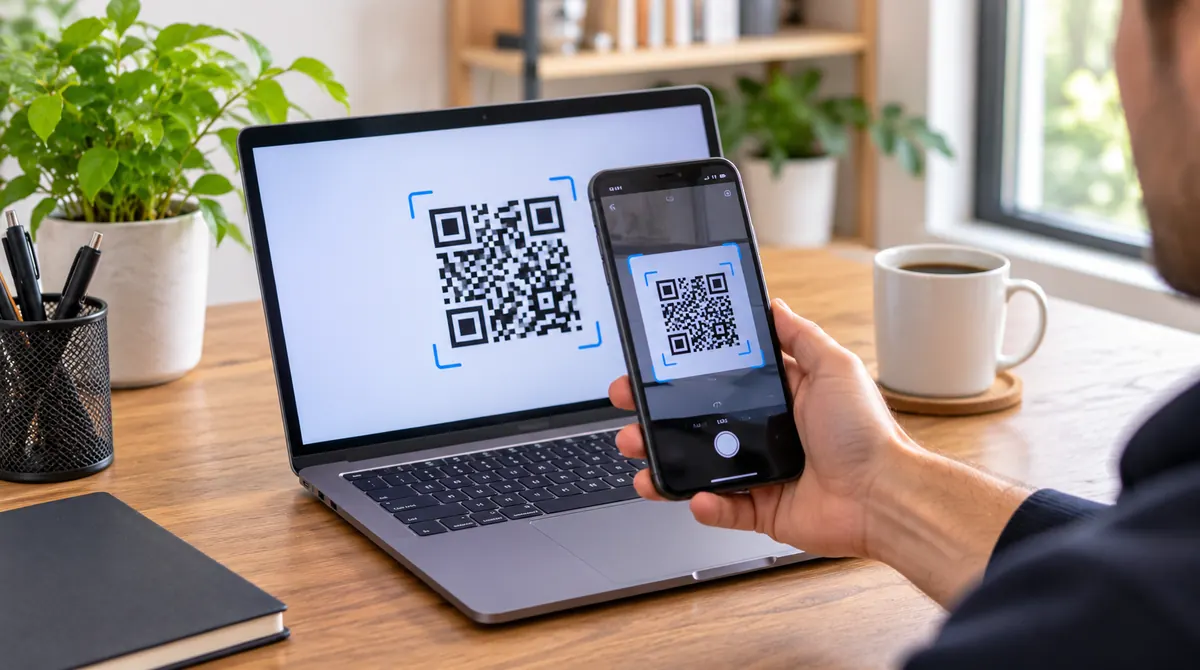
How to use it
- Click "Start camera" and allow access, or choose an image, drag it here or paste a screenshot (Ctrl+V).
- Hold the code steady and well lit until it is read.
- Check the result before opening a link: copy it or open it in a new tab.
Key facts
| Input | Webcam, phone camera, image file, screenshot (paste) |
|---|---|
| Reads | QR, Micro QR, Data Matrix, Aztec, PDF417, EAN, UPC, Code 128, Code 39, ITF and more |
| Privacy | Decoded in your browser, nothing uploaded |
| Works on | Chrome, Edge, Firefox, Safari (desktop and mobile) |
| Price | Free, no app, no sign-up |
Questions
How do I scan a QR code from a screenshot or picture?
Click "Choose image", drop the file on the box, or copy the screenshot and press Ctrl+V (Cmd+V on Mac) on this page. The QR code is read instantly.
Are my images uploaded?
No. Camera frames and images are decoded by your own browser with an open-source decoder. Nothing is uploaded to our servers.
Is it safe to open the link?
Check the full address first. QR codes can point to fake login or payment pages. Only open links you expect, and never enter passwords on a page you reached from an unknown QR code.
Why does the camera not start?
Allow camera access when the browser asks. If you blocked it, re-enable it in the site settings (the lock icon in the address bar). Another app using the camera can also block it.
The code is not detected. What can I do?
Move closer so the code fills more of the frame, add light, avoid glare, and hold still. With an image, crop it around the code and try again.
Guides
Related tools
- Barcode Scanner Online
- Free QR Code Generator
- WiFi QR Code Generator
- vCard QR Code Generator
- WhatsApp QR Code Generator
- Email QR Code Generator
- SMS QR Code Generator
Updated: