Barcode Not Scanning? How to Fix It
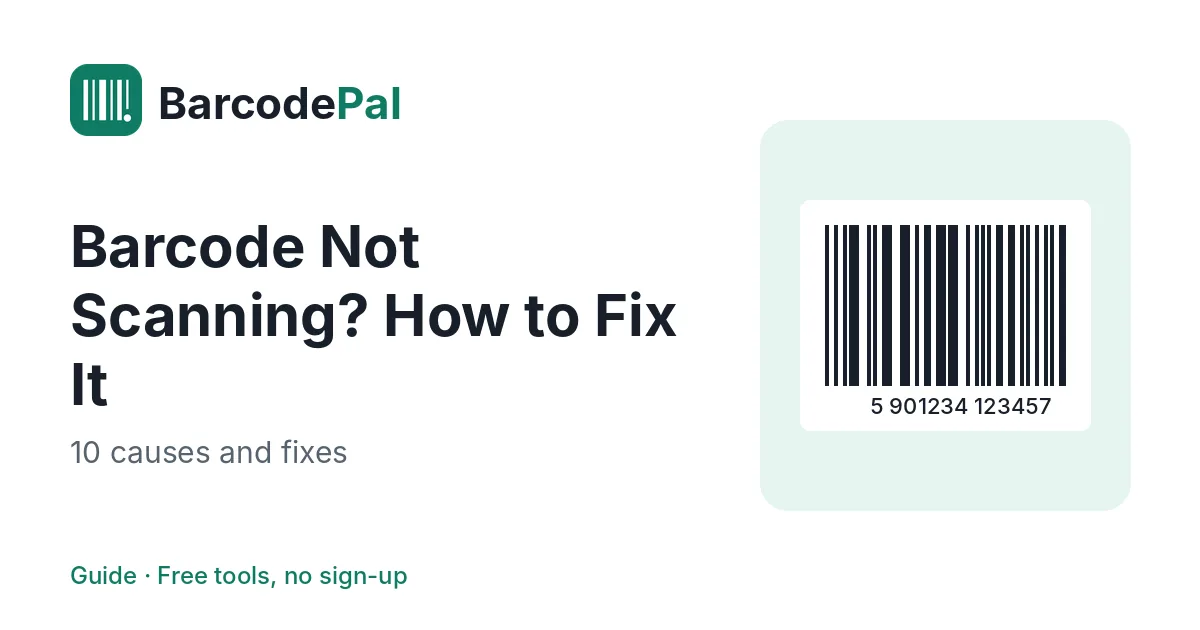
Most barcodes fail to scan because they are printed too small, the white margins (quiet zones) were cropped, the contrast is too low, or the print is blurry. Other common causes are a wrong check digit, bars that were shortened to fit, glossy or curved surfaces, and red or light-coloured bars. Fix the size and contrast first: that solves most cases.
Make a clean, print-ready barcode →
Quick checklist
| Problem | Fix |
|---|---|
| Printed too small | Print EAN/UPC at 80–200% of nominal size (about 37 × 26 mm at 100%) |
| Quiet zones cropped | Leave white space left and right of the bars |
| Low contrast | Dark bars (black, dark blue) on white. No red bars, no light grey |
| Inverted colours | Use dark bars on a light background, not white bars on black |
| Blurry print | Use SVG or PDF, print at 300–600 dpi, avoid stretching PNGs |
| Bars shortened | Scale the whole barcode down instead of cutting the bar height |
| Wrong check digit | Verify the number with the Check Digit Calculator |
| Glare or curved surface | Use matte labels; on bottles, run the bars around the curve |
| Wrong type for the scanner | Older 1D laser scanners cannot read QR or Data Matrix codes |
| Retailer system rejects it | The GTIN may not be registered to your company |
QR code not scanning?
- Too much data: shorten the link or text so the code is less dense.
- Logo too big: keep it under about 20–25% of the code and use error correction H.
- Too small for the distance: about 1 cm of code per 10 cm of scanning distance.
- The corner squares (finder patterns) must stay clear and visible.
- The link itself is broken: test it in a browser before printing.
Questions
How do I test a barcode before printing?
Print one copy on your real material and printer, then scan it with a phone barcode app and, if you can, with the scanner your customer uses.
Can I print a barcode in colour?
Yes, if the bars are dark and the background light: dark blue, green or brown bars on white or yellow work. Red bars and light colours usually fail, because many scanners use red light.
Make a clean, print-ready barcode →
More guides
- How to Get a Barcode for Your Product
- EAN vs UPC: What Is the Difference?
- Barcode Size Guide for Printing
- Amazon Barcodes: FNSKU vs UPC
- Static vs Dynamic QR Codes
- What Is a GTIN?
- How to Print Barcode Labels
- How to Make a QR Code With a Logo
- Smallest QR Code and Barcode Size
Updated: